Job Service Dashboard
Container Registry runs work like garbage collection, replication, and log rotation as background jobs. This page shows what the Job Service Dashboard reports about those jobs — queues, schedules, and workers — and the few actions you can take when work is stuck.
Open the dashboard
- Expand Administration in the navigation pane;
- Click Job Service Dashboard.
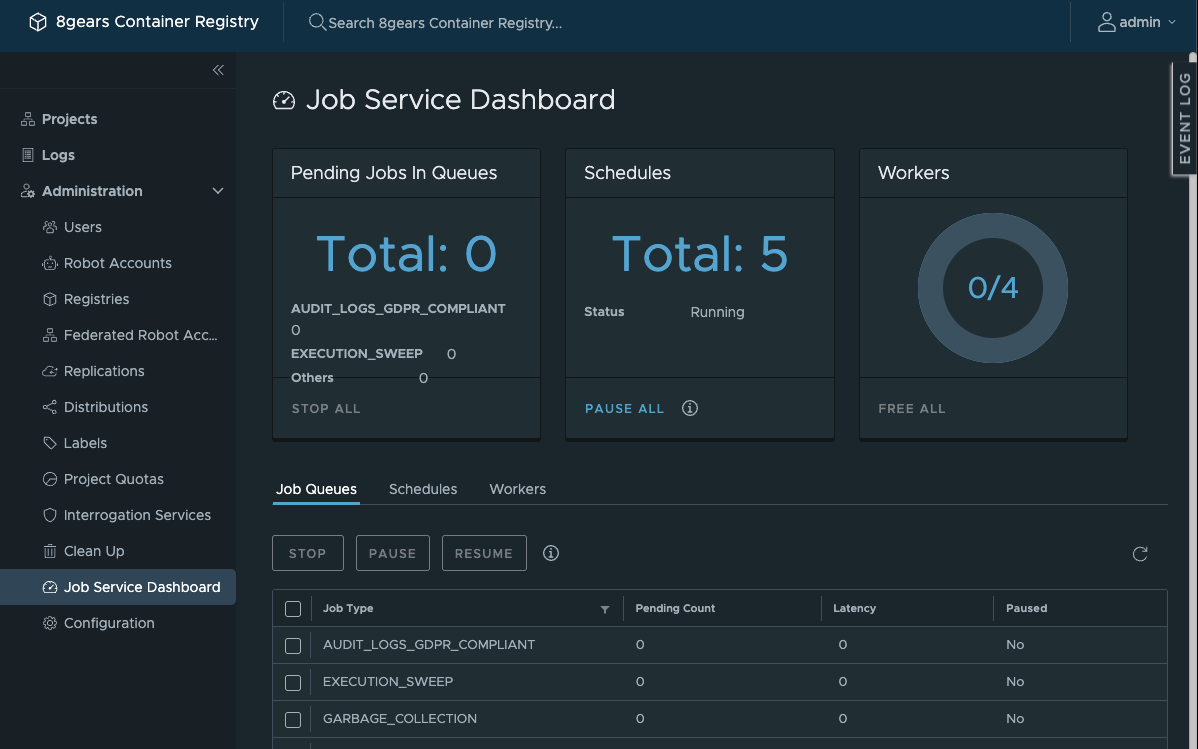
Three summary cards sit above the tabs and stay visible on every tab:
- Pending Jobs In Queues — the total waiting, broken down by job type, with STOP ALL;
- Schedules — the total scheduled, their running status, with PAUSE ALL;
- Workers — how many workers are busy out of the total, with FREE ALL.
A footer action is greyed when there is nothing to act on — STOP ALL and FREE ALL are dim on an idle instance. That is expected, not a fault.
Job Queues
The Job Queues tab lists each job type with its Pending Count, Latency, and whether it is Paused. Select rows with the checkboxes, then use the toolbar: PAUSE and RESUME hold a queue and release it later, and STOP removes jobs.

One job type you may see here is GARBAGE_COLLECTION, the job a garbage collection run creates (see Garbage Collection).
Schedules
The Schedules tab is read-only. It lists each periodic job by ID, Vendor Type, Vendor ID, Cron expression, and Update Time. You cannot edit a schedule here; the only schedule control is PAUSE ALL on the Schedules card.
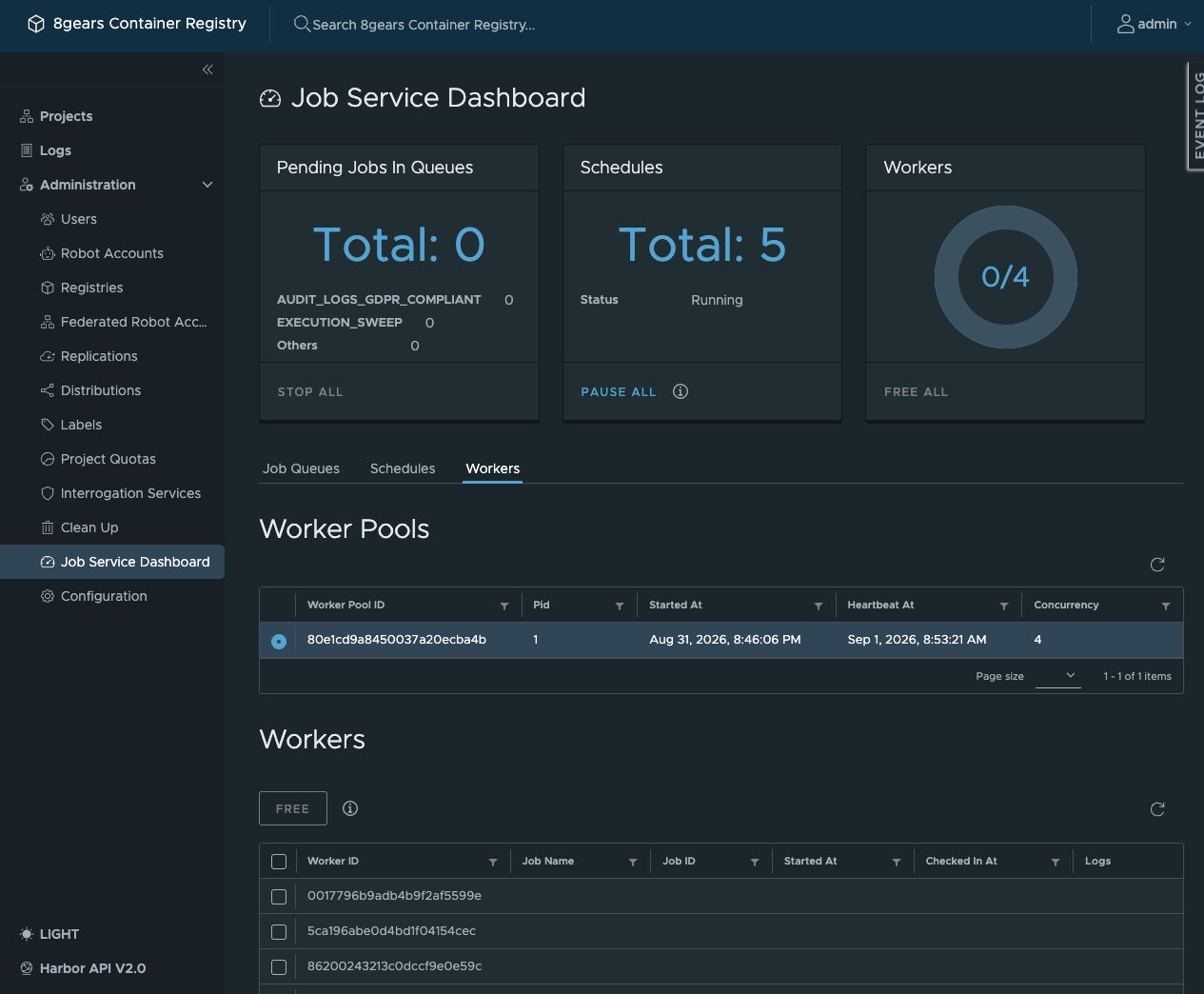
Workers
The Workers tab shows two grids. Worker Pools is read-only: each pool’s ID, Pid, Started At, Heartbeat At, and Concurrency. Workers lists each running worker’s ID, Job Name, Job ID, Started At, Checked In At, and a link to its Logs; use FREE on a row to release it.